Fast install and light size
Download in minutes and keep storage free for photos and apps. Updates are quick, so you stay ready for live action.

125% up to 100,000 INR + 250 FS
The app supports English, Hindi, Bengali and more. Players in India can legally download the APK. UPI, PhonePe, GPay and Paytm payments work in the app. Sports betting and casino tools are built in.
Welcome bonus: 125% up to ₹100,000 plus 250 Free Spins. Minimum deposit to claim is ₹300.
125% up to ₹100,000 + 250 Free Spins
Minimum deposit to claim is ₹300
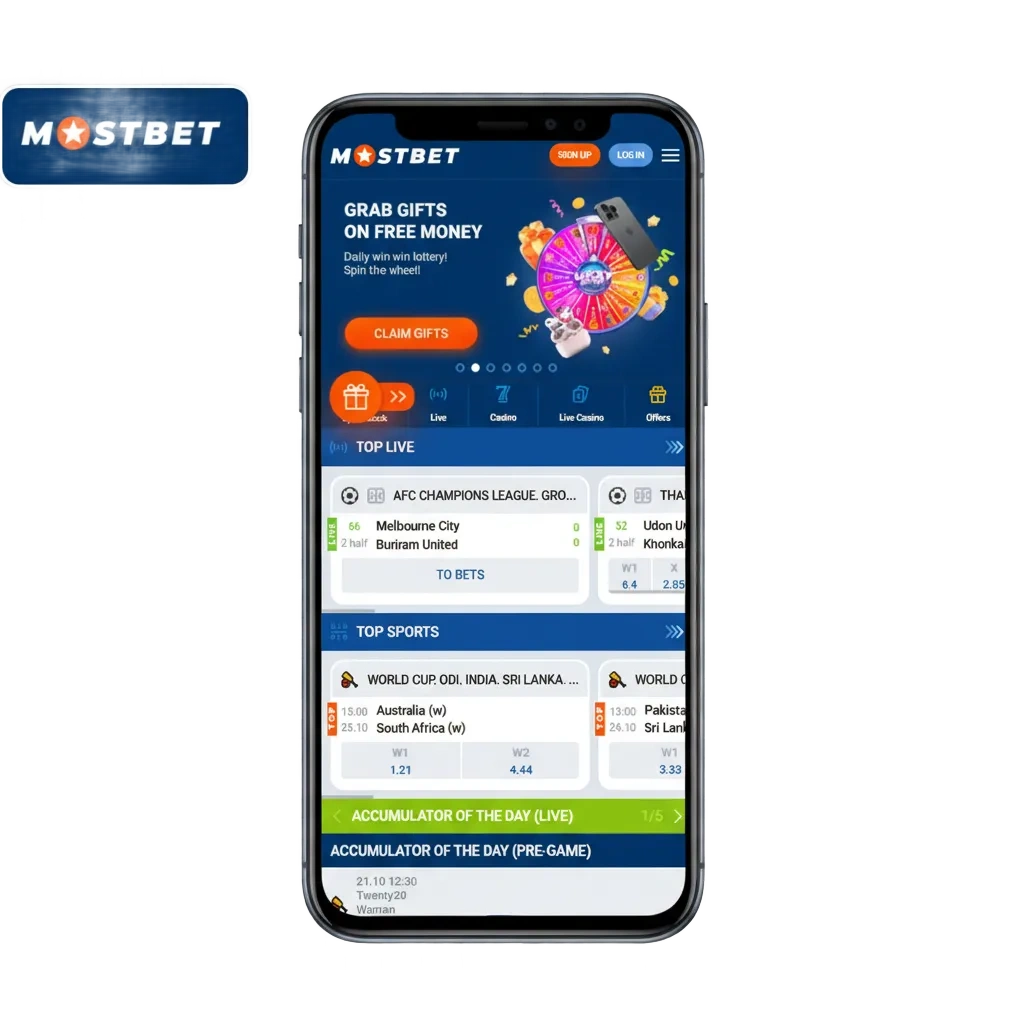
The official mobile application is available on Android and iOS. Installation is free, and you can bet or play casino games in INR.
You get a trusted platform that fits everyday mobile use.
| License | Curaçao eGaming, No. 8048/JAZ |
| Supported operating systems | Android 6.0+, iOS 12+ |
| Cost | Free |
| Category | Online Sportsbook and Casino |
| Countries available | India and many international markets |
| Languages supported | English, Hindi, Bengali, Telugu, Tamil |
| Currencies supported | INR, USD, EUR |
| Available in India | Yes |
The mobile application delivers practical advantages for players in India.
Download in minutes and keep storage free for photos and apps. Updates are quick, so you stay ready for live action.
Add funds by UPI, PhonePe, GPay, or Paytm. Most withdrawals arrive within minutes after approval.
React to wickets, goals, or overs in real time. Use cash out on select markets to manage risk.
Optimised screens and caching reduce data load. Perfect for 4G and unstable networks.
Get match reminders, price boosts, and payout updates. In app chat helps you solve issues fast.
Download the Android app for free and enjoy mobile betting and casino play anywhere in India. All installation steps appear above for a smooth setup.
You get fast markets, live odds, and quick payments on a reliable app.
Getting the APK on Android is quick, safe, and free. Follow four short steps to install and start betting on your phone.
Tap the button below to download the APK file to your phone.
Accept the pop up prompt to begin saving the file.
Open Settings and allow installs from unknown sources for your browser.
Open Downloads, find the APK, and tap it to finish installation.
Check that your Android device meets these minimum requirements for the APK.
| Feature | Minimum |
|---|---|
| Android version | 6.0 Marshmallow |
| RAM | 2 GB |
| Free storage | 150 MB |
| Processor | 1.4 GHz quad core or better |
Meeting these specs helps the app run fast and stable.
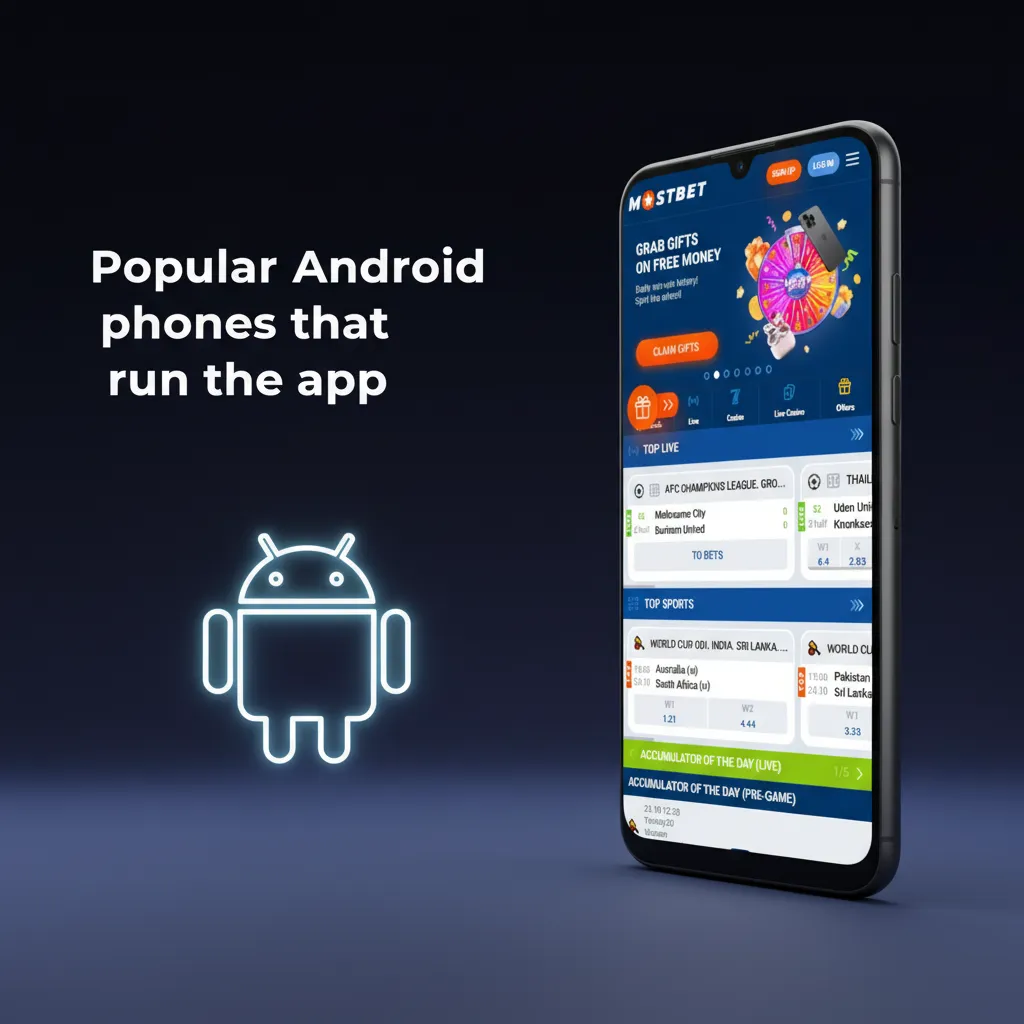
The app runs smoothly on many Android phones in India. Here are examples used by bettors daily:
If your device is similar in power, you can install and play.
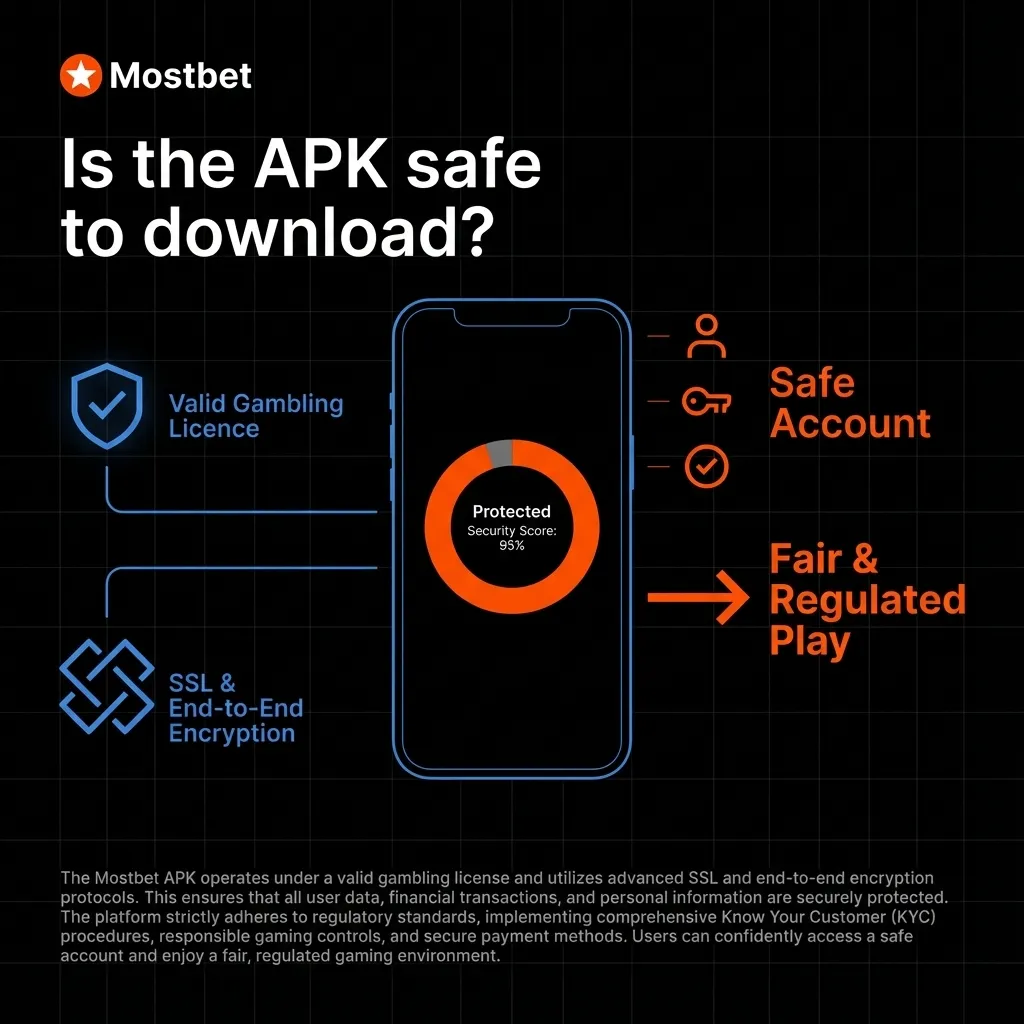
The app operates under a valid gambling licence and follows regulatory standards. SSL certificates and strong encryption protect your data in transit and at rest. Account controls, KYC checks, and monitored payments help keep betting safe and fair.
You can install and play in a secure, regulated environment.
This table shows how the latest APK improves speed, design, and reliability over older builds.
| New Version | Old Version |
|---|---|
| Faster launch, 2x quicker loading | Slower start times |
| UPI deposits process in under a minute | Payments may take longer |
| Live streaming stability improved | Occasional stream drops |
| Cleaner navigation and bigger odds buttons | Cluttered menus |
| Push alerts for goals and wickets | Limited notifications |
| Lower crash rate on low end phones | Higher crash rate |
Updating gives you better performance on match days.
Your shortcut always loads the latest version automatically.
Open Safari on your iPhone and visit the official Mostbet site.
Tap the Share icon, then select “Add to Home Screen”.
Tap “Add” to place the icon on your home screen and open it like an app.
The iOS app works on iPhone and iPad, has low system needs, and costs nothing to install. It mirrors full website features, including sports, casino, UPI payments, and withdrawals. Minimum iOS version is 12.0. Keep at least 150 MB free storage for updates.
You get fast access to bets, live scores, and account tools on iOS.
Make sure your iPhone or iPad meets these minimum requirements before installation.
| Feature | Minimum |
|---|---|
| iOS version | 12.0 |
| RAM | 2 GB |
| Free storage | 150 MB |
| Processor | Apple A9 or newer |
Meeting these specs keeps the app responsive during live play.
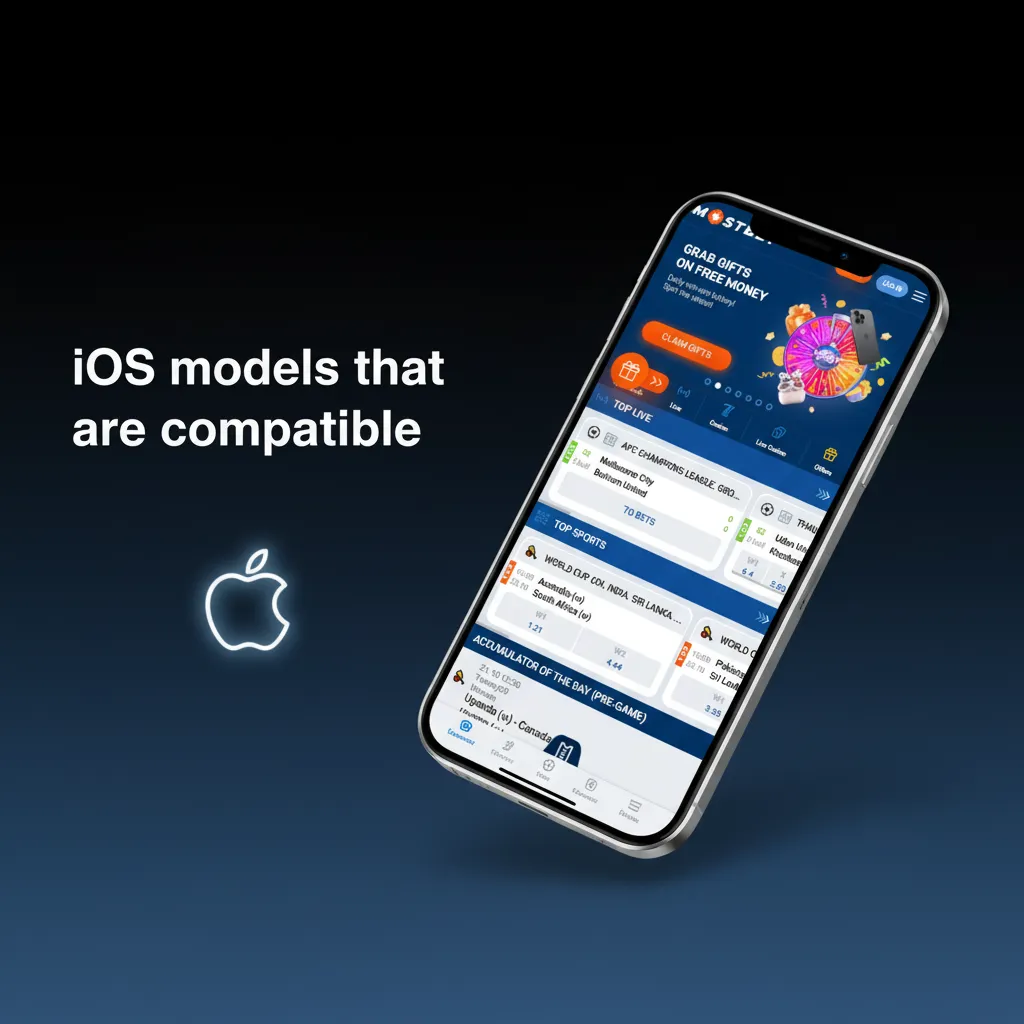
The app runs well on recent iPhone and iPad generations. You can install on:
If your device is similar, the app will work fine.
A key benefit of the PWA (Progressive Web App) version is that it updates automatically.
Unlike native apps, there is no need to manually download updates from an app store. Simply close and reopen the app in your browser—it will always run the latest version with new features and security improvements.
The mobile site covers almost the same features as the application. Many players still prefer the dedicated app for speed and reliability during live play.
| Application | Site |
|---|---|
| Faster loading and smoother animations | Depends on browser speed |
| Push notifications for goals and offers | No native push alerts |
| One tap login and saved preferences | Login may reset per session |
| Lower data use on poor networks | Slightly higher data overhead |
| Better stability in long sessions | Tab refresh can interrupt |
The app gives quicker access, better stability, and a cleaner layout for frequent betting.
Create your account in a few steps and start playing.
Completing KYC early helps speed up withdrawals later.
Tap “Sign Up” on the Mostbet mobile site.
Pick Phone, Email, or Social sign-up and enter your details.
Set a strong password, choose INR, and enter a promo code if you have one.
Confirm via OTP or email link.
Log in and complete KYC in profile when prompted.
Access your account from the home screen icon any time.
Use the “Remember me” option only on a private device.
Tap the Mostbet icon and choose “Login”.
Enter your mobile/email and password.
Complete OTP or 2FA if asked.
You are in. Open Sports or Casino to start.
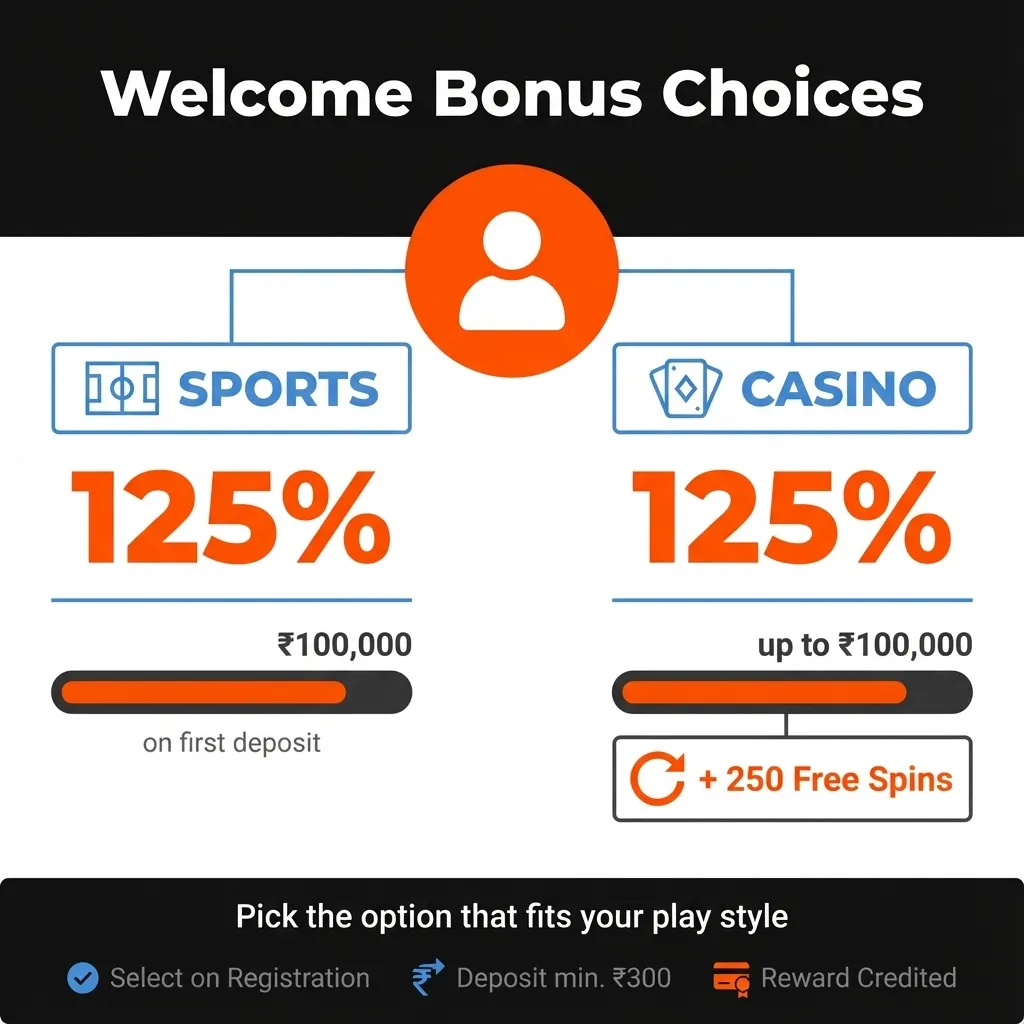
New users can claim a welcome offer during sign up. You may choose a Sports bonus or a Casino bonus based on how you play.
Select your bonus on registration, deposit at least ₹300, and the reward is credited. Pick the option that fits your play style.
Follow these steps to make a bet in minutes.
After settlement, withdraw winnings or keep playing.
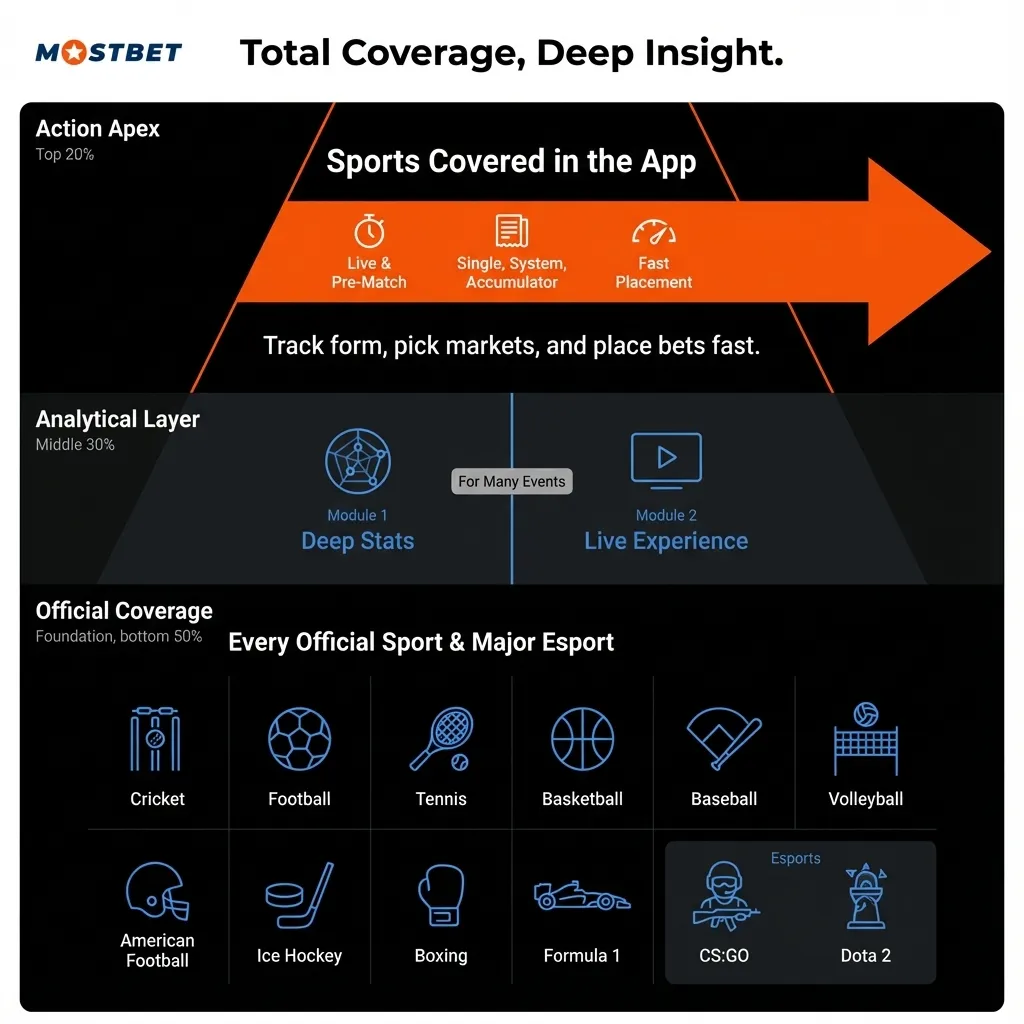
Bet in Live or Pre match modes using Single, System, or Accumulator types. Every official sport and major esport is covered. Each discipline has stats pages, and many events include live streams.
You can track form, pick markets, and place bets fast.
The casino hub sits on the home screen, so you can switch from sports to games in one tap. Play slots and tables from Pragmatic Play, NetEnt, Play’n GO, Nolimit City, and more. Live casino runs on Evolution and Ezugi. Try Book of Dead, Sweet Bonanza, Andar Bahar, and Teen Patti.
Check the casino promos tab for extra rewards and free spins.
| Nickname | Bet | Odds | Winning |
|---|---|---|---|
| ****ior | INR 8468 | 2.3 | + INR 19476.4 |
| ****y M. | INR 9854 | 1.8 | + INR 17737.2 |
| ****a P. | INR 5011 | 1.7 | + INR 8518.7 |
| *****t Fun | INR 7179 | 2 | + INR 14358 |
| *****t Fun | INR 8451 | 2.8 | + INR 23662.8 |
| ***ef | INR 9078 | 1.8 | + INR 16340.4 |
| *****vo A. | INR 5500 | 3 | + INR 16500 |
| *****na M. | INR 6529 | 1.9 | + INR 12405.1 |
| **ba | INR 6118 | 1.7 | + INR 10400.6 |
| *****a Uk | INR 5840 | 1.8 | + INR 10512 |
Updated: 10/04/2026 01:23 PM
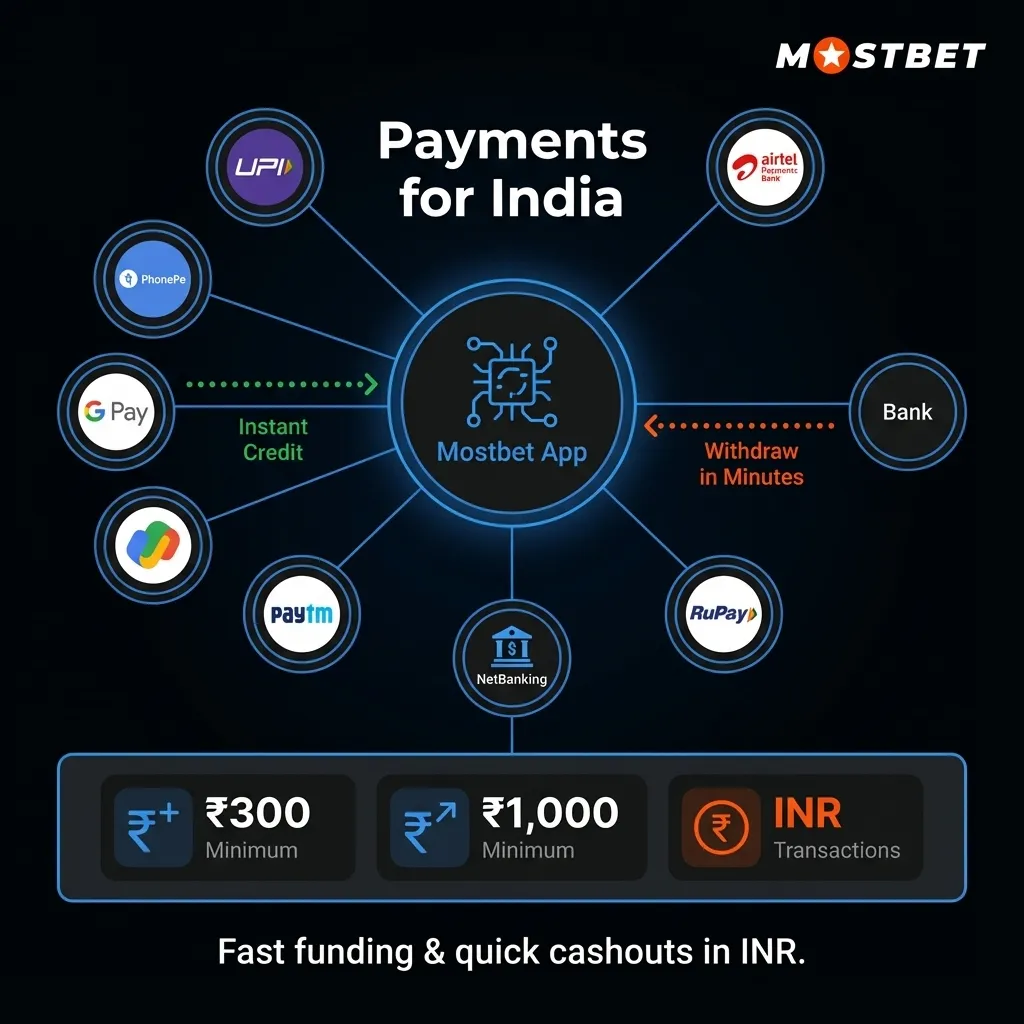
Users in India can pay using UPI, PhonePe, GPay, and Paytm inside the application. Other local options are supported too.
Deposits credit instantly after confirmation. Most withdrawals take minutes once approved. Minimum deposit is ₹300. Minimum withdrawal is ₹1,000.
You get fast funding and quick cashouts in INR.
Fund your account in minutes using popular India methods.
Always keep the same name on your payment account and your Mostbet profile.
Log in and tap “Deposit” in the wallet.
Select UPI, PhonePe, Google Pay, or Paytm.
Enter the amount (₹300 or more) and confirm.
Approve the request in your payment app. Funds appear shortly after success.
Cash out to the same method used for deposits when possible.
Accurate KYC details help speed up approval times.
Open “Wallet” and tap “Withdraw”.
Pick UPI, IMPS, or Bank transfer and enter the amount (₹1,000+).
Submit the request and complete KYC if prompted.
Most requests finish in a few hours, but some may take up to 24 hours depending on checks.
Go to Settings, tap Language, and choose English, Hindi, Bengali, or another supported option.
Yes. One login works across the app, mobile site, and desktop.
Yes. Eligible markets show cash out in the bet slip or My Bets.
Yes. Upload PAN or Aadhaar and a bank proof. Verification is usually completed quickly.
Allow notifications on first launch or in Settings to get match alerts and offers.
Keep about 150 MB free to download and update the application.
Yes. Open Responsible Gaming and choose daily, weekly, or monthly limits.
Updated: