
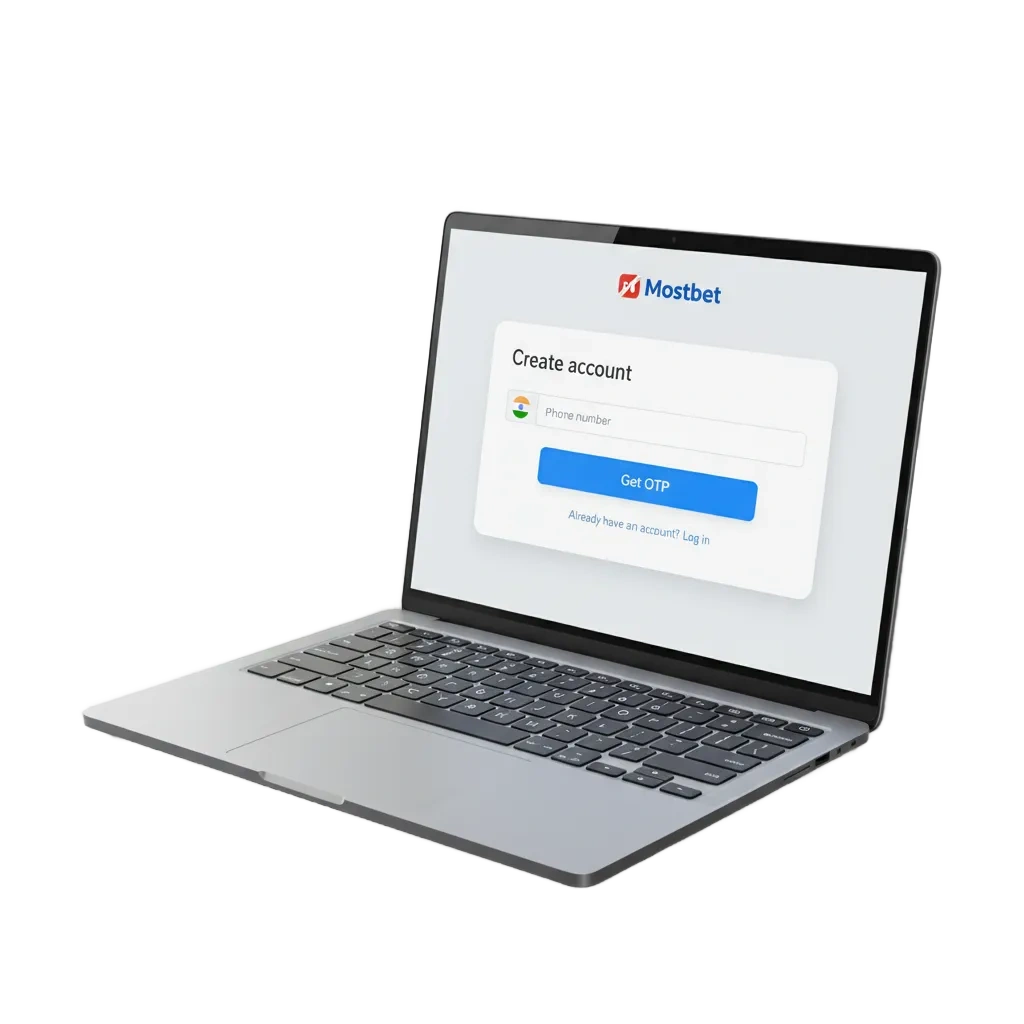
Start your Mostbet registration in India
Register to get full access to sports betting and casino games. Pick a quick sign up path: phone number, email, social, or one‑click. After you create your new account, you can deposit, place bets, and withdraw to your Indian payment methods. A welcome bonus of 125% up to 100,000 INR + 250 FS is available for eligible new users. Terms apply.
Mostbet registration online options for India
You can create an account in the way you prefer. Pick any method below and finish in minutes.
- By Phone Number
- By Email
- Via Social Media
- One‑Click
By Phone Number
This method uses your Indian mobile and an OTP. You can sign in later by OTP too.
- Click Register.
- Select Phone.
- Enter your mobile number and choose INR.
- Enter the OTP sent by SMS.
- Set a strong password.
- Confirm you are 18+ and accept the rules.
By Email
This path lets you set a password and confirm by mail.
- Click Register.
- Select Email.
- Enter your email, set a password, and choose INR.
- Submit the form.
- Open the message and click the confirmation link.
Via Social Media
Use a supported account to speed up the process. Your name and email are imported.
- Click Register.
- Choose Google, Facebook, or another option shown.
- Allow profile access.
- Review details, set currency, and create a password if asked.
- Confirm age and accept the rules.
One‑Click
Get an instant login and password generated for you. You can complete profile fields later before withdrawals.
- Click Register.
- Choose One‑Click.
- The system shows your login and password. Save them securely.
- Choose INR and confirm age.
- Fill your profile after sign up to meet KYC.
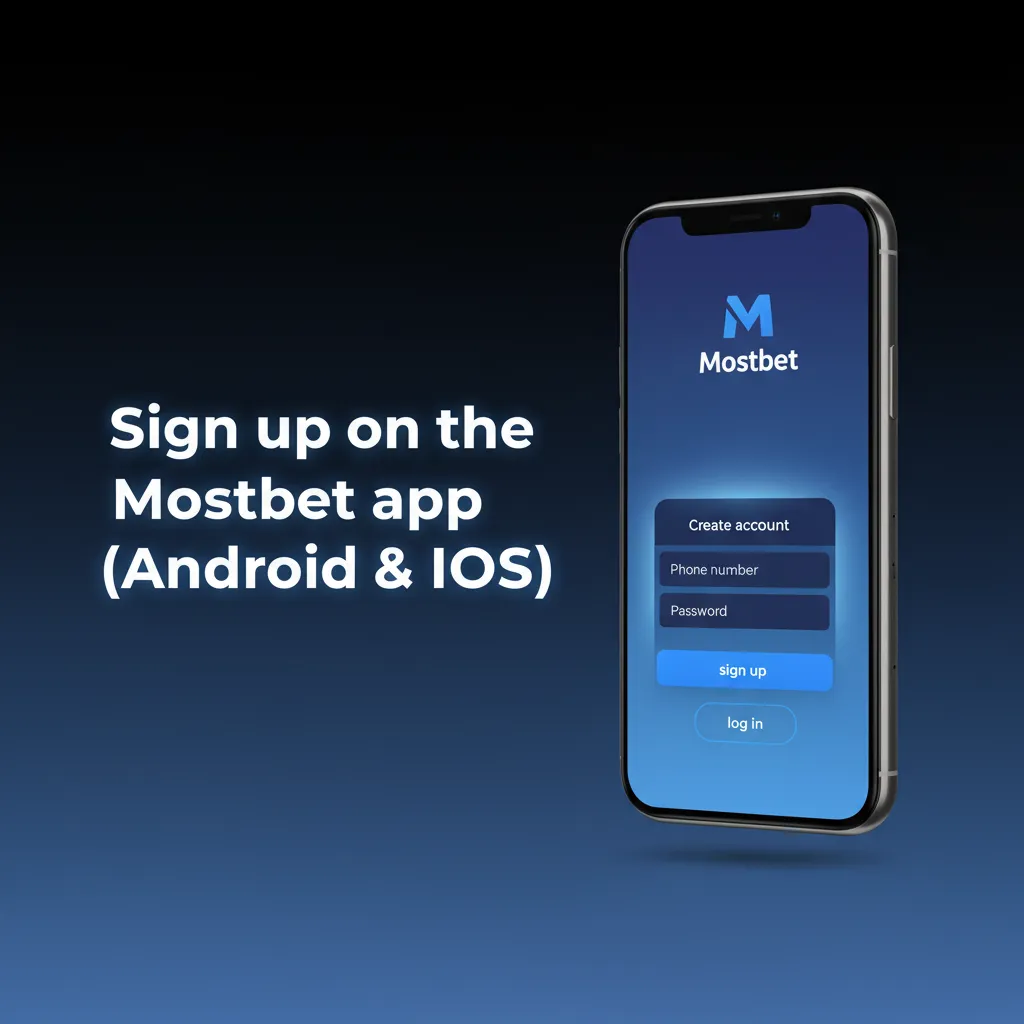
Sign up on the Mostbet app (Android & iOS)
The app gives a fast, mobile‑first registration flow. You use the same account on the site and the app.
- Download & install: Tap the Download App link, install the Android APK or iOS app as prompted.
- Open the app: Tap Create Account on the home screen.
- Choose method: Phone, Email, One‑Click, or Social.
- Enter details: provide mobile/email, pick INR, add promo code if any, confirm age 18+.
- Verify & sign in: complete OTP or email confirmation and you are signed in.
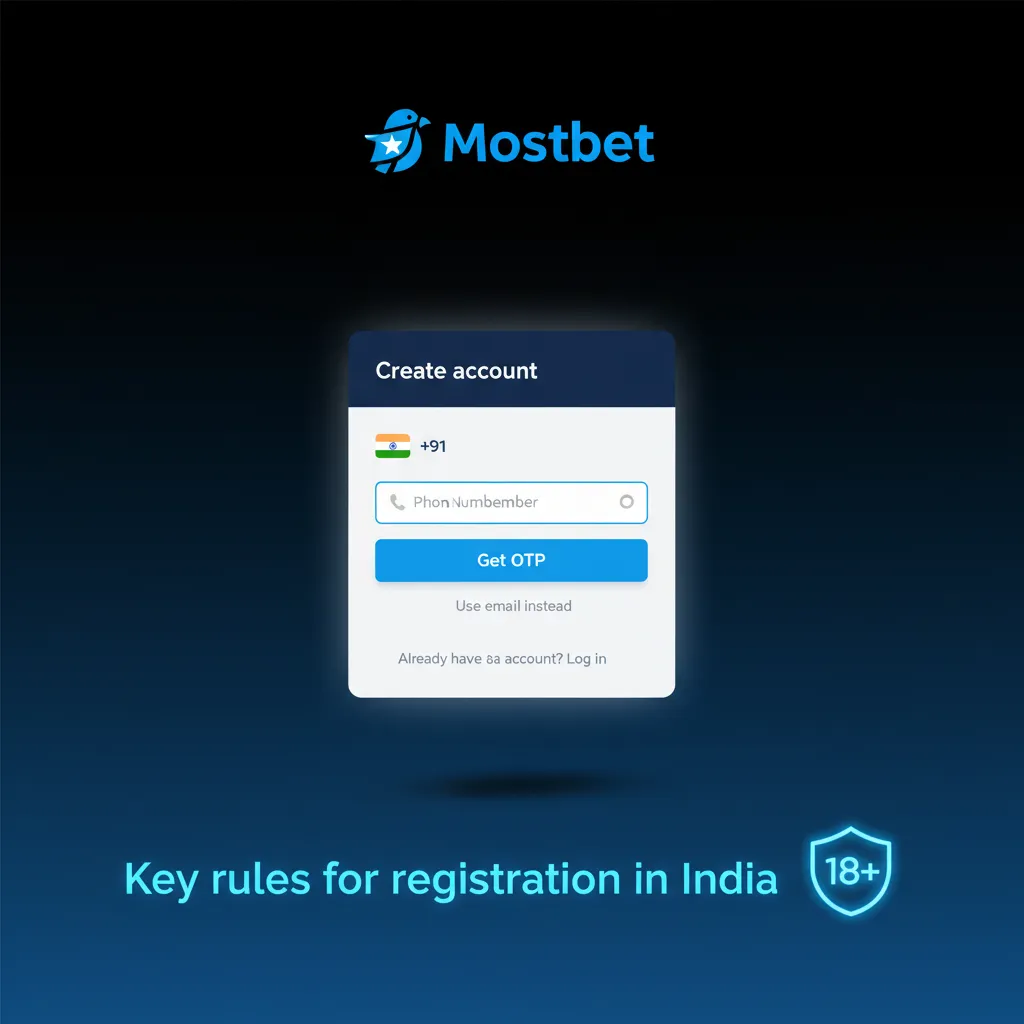
Key rules for registration in India
You must meet local legal requirements to register. Only one personal account is allowed per user. Accurate details help fast verification and faster payouts. Some payment and feature limits apply until KYC is complete.
- Age 18+ and legally permitted to use online gambling services in your state.
- Provide your real name, date of birth, and current address that matches your documents.
- One account per person, email, phone number, device, and IP address.
- Use payment methods in your own name; choose INR as your account currency.
- Agree to the Terms and the Privacy Policy before you create the account.
How to sign in to your account
Log in on the website or in the app using the same details you used at sign up. If you registered by phone, you can use OTP.
Choose your method: Phone (OTP), Email (password), or Social (provider sign in).
Enter your details and complete any 2FA code if enabled.
Tap Sign in to access your personal dashboard.
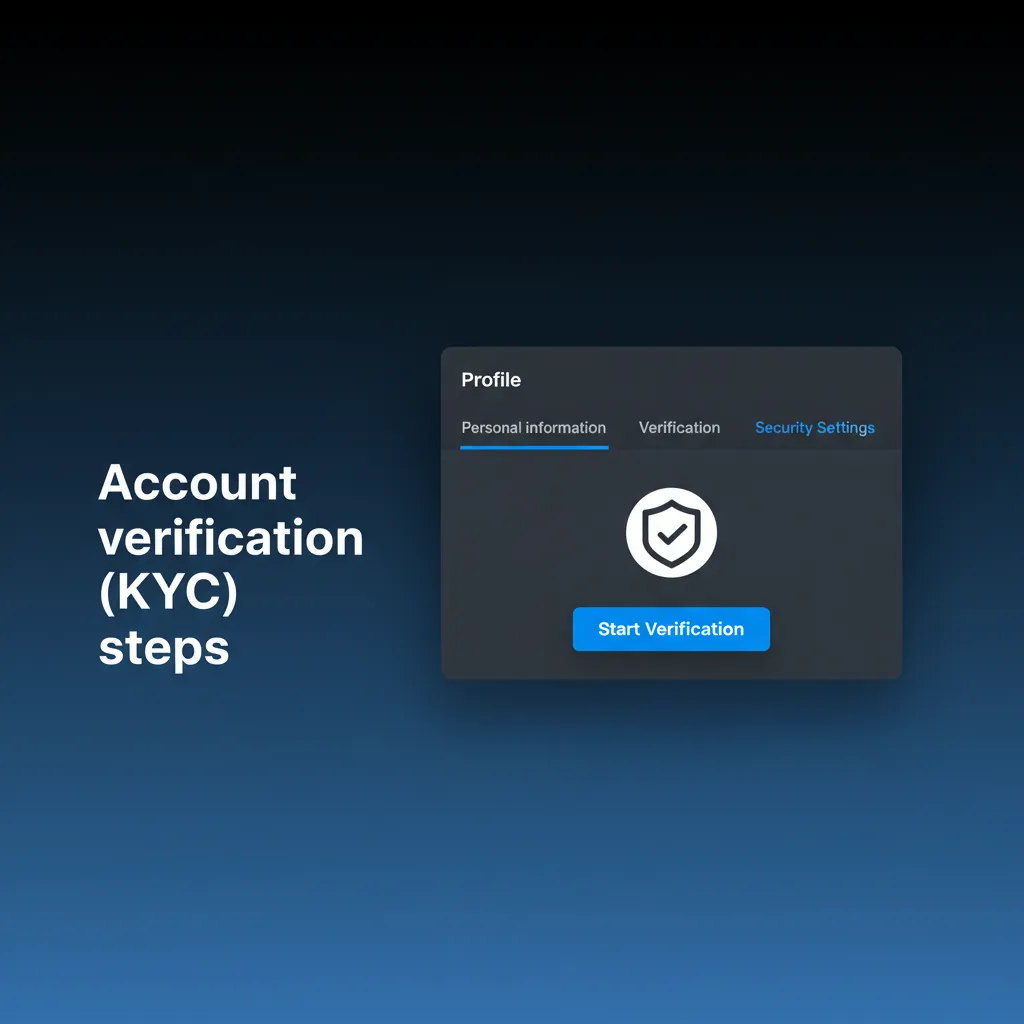
Account verification (KYC) steps
Verification keeps your account secure and meets Indian KYC rules. It also enables withdrawals and higher limits.
- Basic profile: enter your full name, date of birth, and address.
- Contact confirmation: verify your phone by OTP and confirm your email.
- ID document: upload a clear PAN card, Aadhaar, or passport photo.
- Address proof: submit Aadhaar, a recent utility bill, or a bank statement (last 3 months).
- Review: the team checks your documents and updates status. You can request withdrawals once approved.
Welcome offers for your new account in India
New users can claim a first‑deposit welcome package. You can choose a casino offer or a sports betting bonus.
Casino Welcome Bonus
Get 125% up to 100,000 INR + 250 Free Spins on your first deposit.
- Bonus size: 125% of your first deposit up to ₹100,000 + 250 FS.
- How to claim: opt in during sign up or before depositing, then make a qualifying deposit.
- Wagering: 35x bonus amount on eligible casino games; FS winnings subject to the same or stated rate; complete in 7 days.
- Minimum deposit: ₹300 (or higher if shown in your promo page).
- Important: game weighting, max bet, and spin batches apply. Check the bonus rules in your account.
Sports Betting Welcome Bonus
Boost your first deposit for betting on matches.
- Bonus size: first‑deposit match up to the cap shown in your promo page.
- How to claim: select the sports bonus before you deposit and make a qualifying payment.
- Wagering: 5x on accumulators; each leg min odds 1.40 or higher; finish in 7 days.
- Minimum deposit: ₹300 or as displayed for your profile.
- Important: some markets may not count. Terms apply.
What you can do in your account area
Your personal dashboard gives you full control over settings, payments, and activity.
- Profile & KYC: update personal details and submit documents.
- Deposits & Withdrawals: add payment methods, deposit in INR, and request payouts.
- Bonuses & Promo Codes: track active bonuses, opt in, and view wagering progress.
- Bet History & Casino Activity: review settled bets, open bets, and recent games.
- Responsible Gambling: set deposit limits, reality checks, and cool‑off or self‑exclusion.
- Preferences: manage notifications, odds format, language, and time zone.
- Verification Status: see review progress and any requests for more documents.
- Support: contact chat or email and track tickets.
Registration problems and solutions
Here are common issues during sign up and how you can fix them quickly.
| Problem | Solution |
|---|---|
| OTP not received | Check the number, signal, and DND settings; tap Resend; try another network or wait a minute. |
| Email not arriving | Check Spam/Promotions; add the sender to your contacts; request a new link. |
| Account already exists | Use Forgot Password to reset access; if the phone/email is reused, contact support for help. |
| Document rejected | Upload colour images, no blur or glare; ensure name, PAN, and address match your profile. |
| Name or DOB mismatch | Edit profile to match your ID and re-upload documents; avoid nicknames. |
Delete your account: quick steps
You might want to close your account for a break or for personal reasons.
Go to Profile > Responsible Gambling or Support and request account closure or self‑exclusion.
Confirm identity and reason; clear any balance and pending bets.
Receive confirmation by email or in-app message when closure is complete.
FAQ: registration and access
Can you sign up using UPI?
Yes. You can deposit and withdraw via UPI, provided the account is in your name.
Can you change currency to INR after registration?
Currency is set during sign up. If you have not deposited yet, contact support to review options.
How long does KYC review take?
Most reviews finish within a few minutes to 24 hours, depending on queue and document quality.
Do you need a PAN card?
A PAN card is accepted. A passport or Aadhaar can also be used. Tax rules may require PAN for higher payouts.
Is social login supported on the app?
Yes. You can sign in using supported providers if you connected them during registration.
Updated: